2026 · Chrome MV3 · WXT · React 19 · TypeScript
УЗ Ticket Hunter
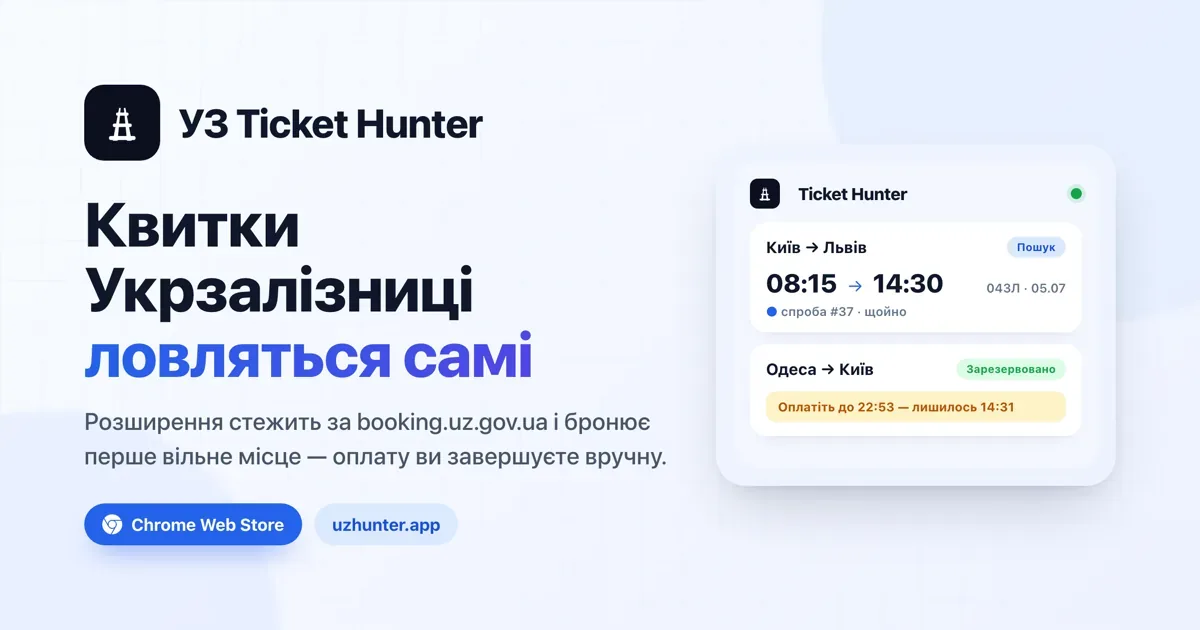
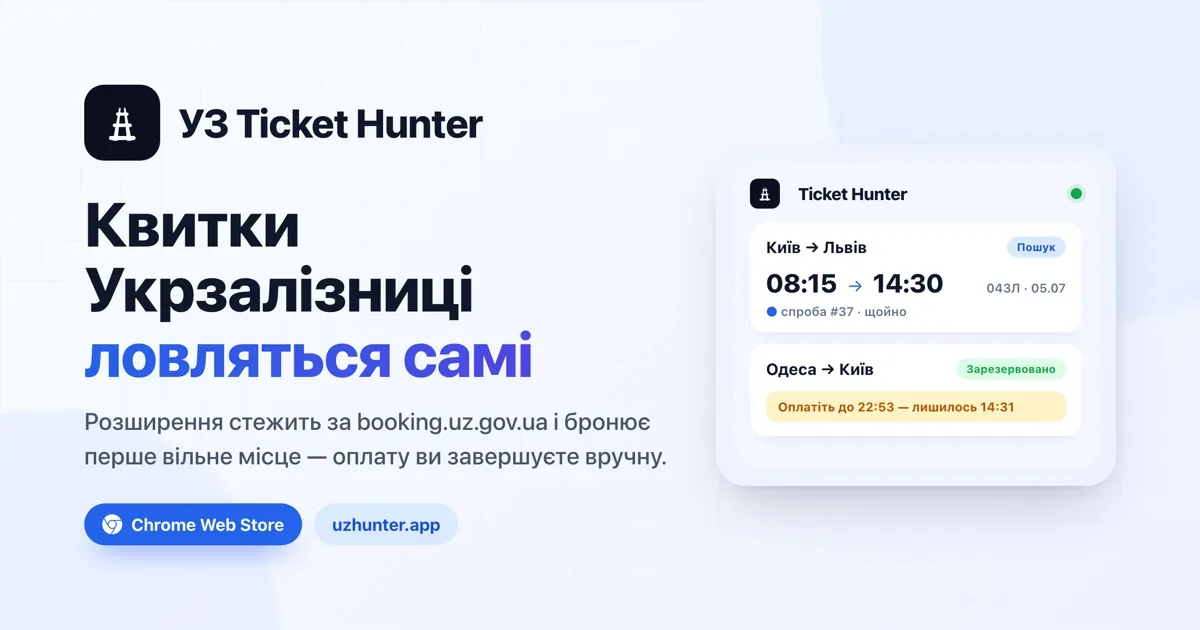
Chrome MV3 extension that monitors Ukrzaliznytsia tickets and auto-reserves seats the moment they appear — payment stays human.
The problem
Tickets on popular Ukrzaliznytsia routes sell out in minutes — and the 45-day pre-sale drop happens at times nobody wants to babysit a refresh button for. The official site has no alerts, no waitlist, no mercy. You either get lucky or you don't travel.
The approach
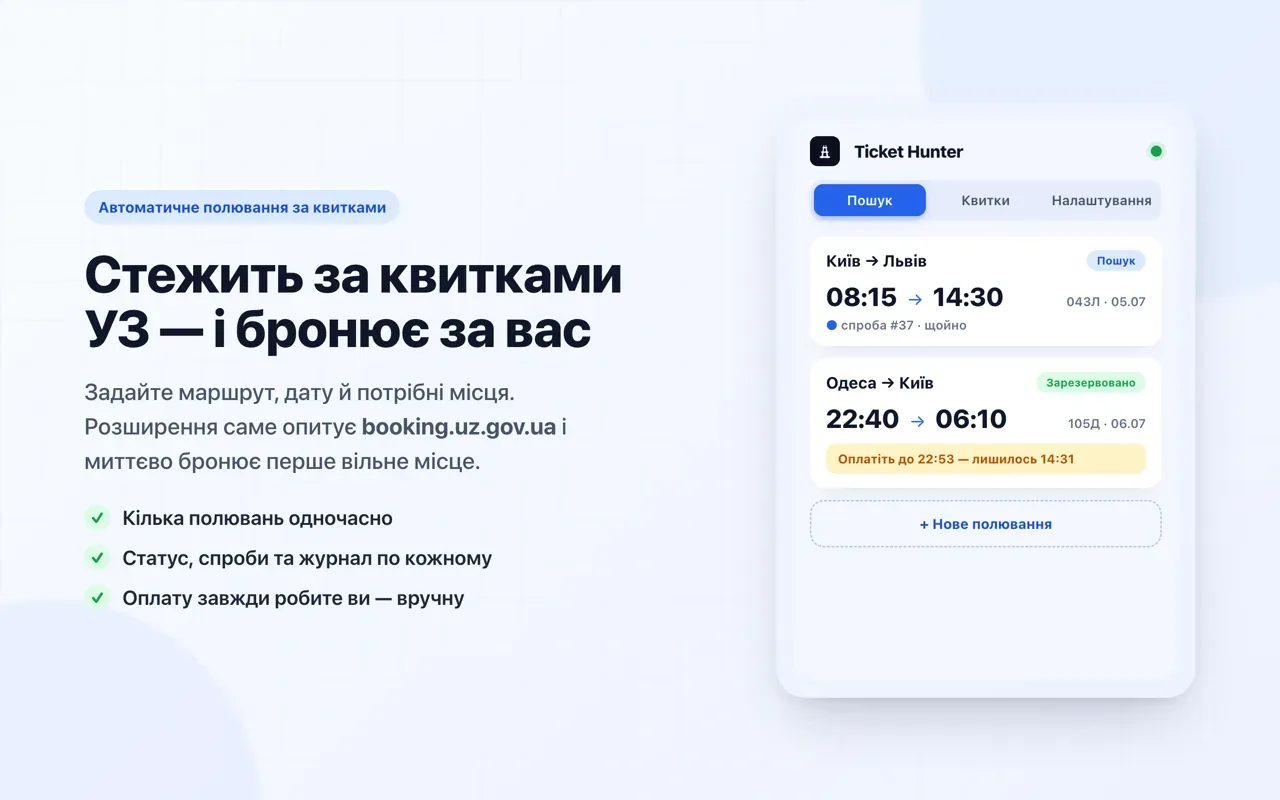
A Chrome MV3 extension built with WXT + React 19 + TypeScript strict that turns the browser into a patient hunter. You give it a route, a date, and preferred seats; it watches, and the instant a match appears it reserves the seat and calls you in — you complete the payment manually within the ~15-minute hold window. Deliberately human-in-the-loop: no card storage, no auto-payment, no reCAPTCHA bypass — the human solves the captcha in the tab when asked.
Hybrid architecture: the service worker monitors while the content script books on the live tab.
How a hunt actually runs
From the user's side it's one form: stations (a combobox backed by the live UZ search endpoint), date, favourite trains, carriage types in UZ's own notation (Л/К/П/С1/С2), passengers picked from your saved UZ profile, even the "bed linen" service. Then one of two modes:
- Monitoring — the service worker polls every 5–30 s in the background, minding its own business.
- Scheduled — sleeps at zero cost until the exact pre-sale second (the 45-day drop opens at a known time), then fires a tight 200–500 ms sprint of requests. Built for the 09:00 ticket-drop rush.
On a match, the flow is: reserve seats → hold → create order → watch the
cart queue (respecting the API's own retry_in hints) → then a loud
notification, a sound from an offscreen page, and a payment tab opened
for the human. The card shows "Reserved at HH:MM" — the exact minute
the hold expires, because that's the number that matters when you're
sprinting for a payment terminal.
If UZ throws a reCAPTCHA mid-booking, the extension brings the tab to
the front and waits — you solve it, the hunt continues by itself. A
429? Back off, cool down, retry. The scheduler and the orchestrator are
pure functions over timing decisions, unit-tested with WXT's
fakeBrowser.
The hybrid architecture
The technically interesting part is the split:
- Monitoring runs in the service worker, polling the
app.uz.gov.uaAPI read-only — fast, cheap, no page needed. - Booking must happen in a content script on the live
booking.uz.gov.uatab, to reuse the SPA's reCAPTCHA token and session. The SW talks to the tab over an RPC bridge with a keep-alive port. - Authorization is read by the content script from the page (Bearer +
session id) and cached in
chrome.storage.session. - Origin headers the SW can't set via fetch are rewritten by a scoped
declarativeNetRequestrule — limited to the API host and SW requests only, so it never touches the booking tab and never bypasses reCAPTCHA. - State lives in
chrome.storage.localbehind a tiny reactive store the popup, options page and SW all subscribe to — one source of truth for every screen.
The whole surface is two faces of the same UI: the popup for quick control, a full-screen options page for the same flows when you'd rather see the log wide. A second tab in the popup — "My tickets" — reads your actual UZ orders (active, future, paginated archive) with seat, price and PDF links per ticket.
Fair play by design
Polling intervals are deliberately bounded, with backoff on 429s and a pre-sale mode that sleeps efficiently until the 45-day drop, then fires a tight burst of requests. No analytics, no trackers, no backend — everything runs locally. The README states it plainly: personal use, respect the ToS, don't resell.
The outcome
An open-source (MIT), privacy-first extension live on the Chrome Web Store, with a landing site at uzhunter.app. The architecture notes — endpoint maps, fixtures, timing decisions — are documented in the repo for anyone building against the UZ API responsibly.